
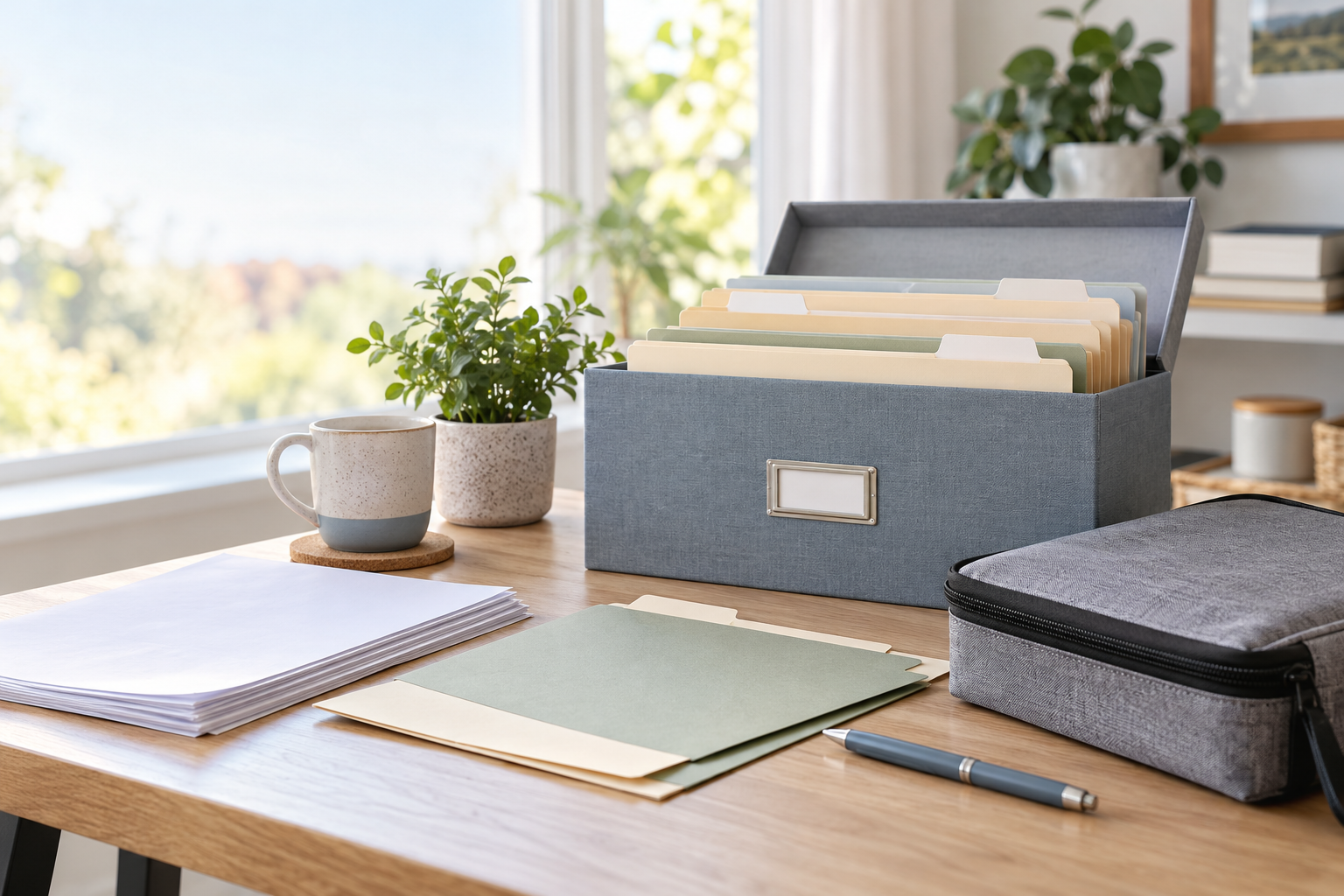
A document system is useful when it answers two questions quickly: what should I keep, and where can I find it? The goal is not a beautiful archive or a weekend-long sorting project. It is a small, repeatable setup that makes an ordinary task—checking a policy number, replacing a card, preparing a tax return, or leaving home in a hurry—less stressful.
Start with the documents you already need, then give each group one dependable home. A short review routine matters more than a complicated filing method.
Begin with a short inventory
Gather papers from the places they tend to collect: a desk drawer, a bag, the kitchen counter, an email download folder, and any older file box. Do not sort every page yet. Make four temporary piles: identity and family records, home and property records, money and tax records, and health and insurance records.
The Federal Trade Commission’s guidance on disaster preparation includes copies of key family and financial records such as deeds, titles, insurance information, passports, and employee-benefit records. It also recommends storing important information so it can be reached in an emergency. Read the FTC’s organizing guidance.
Choose categories that match real life
Use labels you will recognize without thinking. For many households, five folders are enough:
- Identity and family: copies or location notes for vital records, passports, and legal documents.
- Home and property: insurance details, leases or ownership records, warranties, and major repair receipts.
- Money and taxes: current account information, tax documents, and records that support returns.
- Health and care: insurance cards or policy details, current prescriptions, and contact information that is useful during travel or an emergency.
- Action soon: papers that need a response, payment, scan, or decision.
Keep sensitive originals or full account numbers in the most secure place available to you. A folder system is an organizational aid, not a substitute for appropriate physical and digital security.
Separate originals, copies, and reference notes
Not every item needs the same treatment. An original document may need a protected location; a copy can make a task easier; and a simple note can point to where the original is held. For example, a note might say where a deed or will is stored and whom to contact if it is needed. This keeps an everyday folder useful without turning it into a single point of failure.
For emergency preparation, Ready.gov advises people to secure and copy important papers, keep originals in a protective container or another secure location, and store copies somewhere else. Its disaster checklist is a practical prompt for deciding what belongs in your setup.
Make one digital backup rule
Scanning every old page can become a reason to postpone the whole project. Instead, decide which current documents would be hard to replace or urgently useful, scan those first, and use a consistent file name such as 2026-insurance-policy-home.pdf. Protect digital copies with a strong, unique password and the security options offered by the service or device you use.
Do not send sensitive documents by ordinary email simply because it is convenient. Before sharing a copy, confirm who needs it, how they want to receive it, and whether a less sensitive record would do.
Build a safe disposal habit
Organization includes deciding what no longer needs to stay. The FTC advises keeping documents with personal or financial information secure and shredding them when it is time to dispose of them. Its current guidance also distinguishes records that may be useful for a limited period from documents that should be kept while you own an asset or kept permanently. Use the FTC’s current keep-or-shred guide alongside any advice from your tax, legal, insurance, or financial professional that applies to your circumstances.
Put maintenance on the calendar
A ten-minute check twice a year is usually enough to keep a simple system honest. Replace expired cards, remove resolved bills, update policy contacts, and add documents created since the last review. If an item is unclear, place it in an “ask or decide” folder rather than letting it return to a loose-paper pile.
The best system is the one a future version of you can open, understand, and use. Start with one box or folder, a handful of clear labels, and a short date for the next check-in.
Frequently asked questions
Should I keep every paper statement?
No. What to keep depends on the document and your situation. The FTC notes that some routine records can be kept for a limited time, while records tied to taxes, property, legal matters, or identity may need longer retention. Check applicable professional guidance before discarding anything important.
Where should original vital records go?
Use a secure location appropriate to the record and your circumstances. Keep a clear note or secure copy that helps you locate the original when needed. Ready.gov recommends protecting important papers and keeping copies in another secure location.
Is a cloud backup enough?
A digital backup can be useful, but it should be protected with strong account security and should not be your only plan for every original. Consider what you would need if you could not access a device, password manager, or internet connection immediately.
What is the first folder to create?
Create an “action soon” folder. It gives new mail and unresolved paperwork a temporary home, which prevents it from mixing with records you need to retain.
How often should I review the system?
Choose a repeatable date, such as the start and end of a year or a seasonal clock change. Review sooner after a move, insurance change, major purchase, marriage, separation, or another event that creates new records.
How can I dispose of sensitive documents more safely?
Before discarding paper that contains personal or financial information, destroy it in a way that makes the information unreadable. The FTC specifically recommends shredding such documents when they are no longer needed.
Leave a Reply
You must be logged in to post a comment.